 KelzStudio
ONE PLATFORM. EVERY PRESENTATION.
Every Presentation. One Powerful Platform.
Create, organize, and deliver professional presentations with KelzStudio — powerful desktop presentation software designed for churches, businesses, events, and organizations.
Available for Windows and macOS
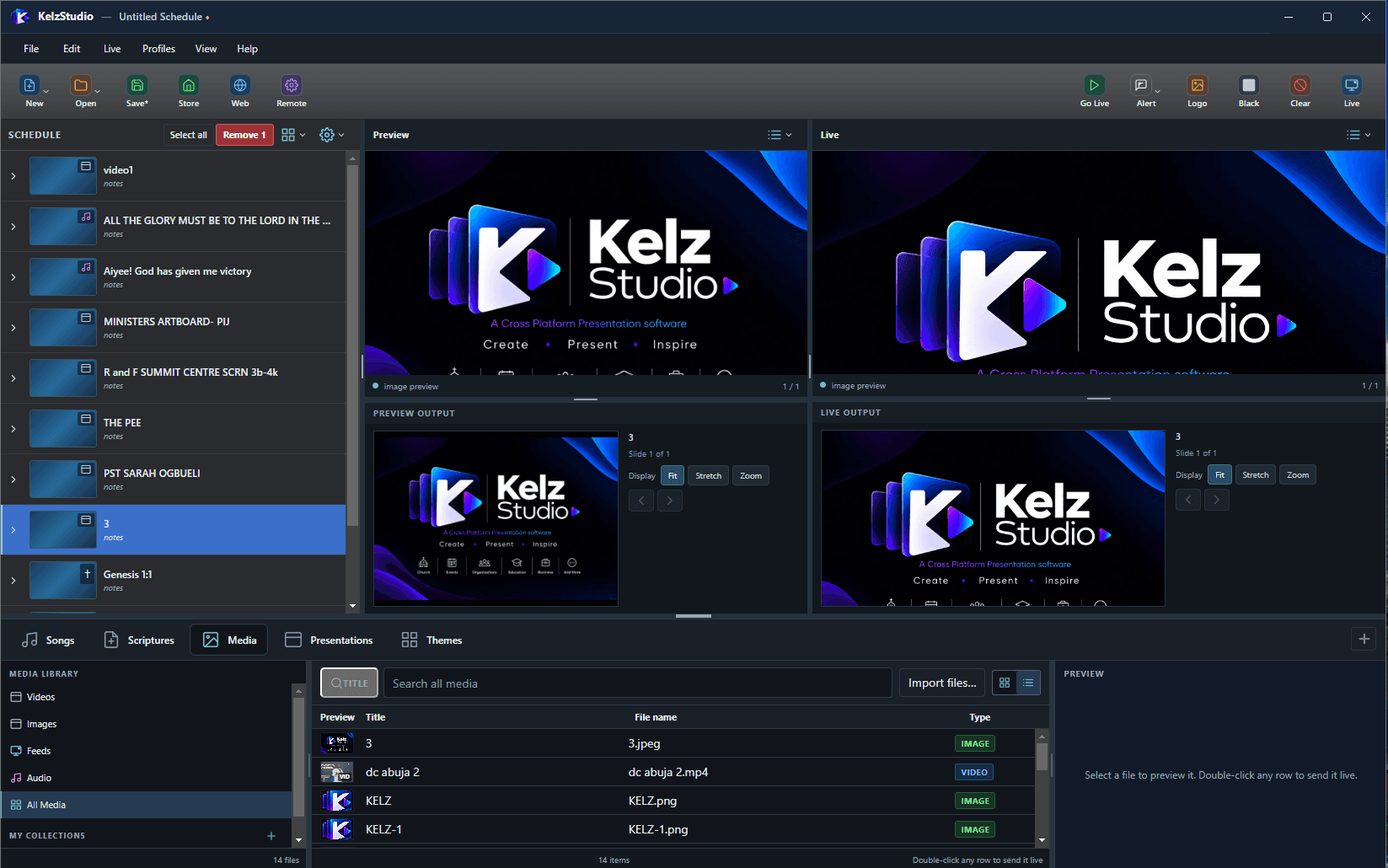
Everything You Need to Deliver Better Presentations.
Manage your content, organize your service or event, prepare media, and control your displays from one desktop application.
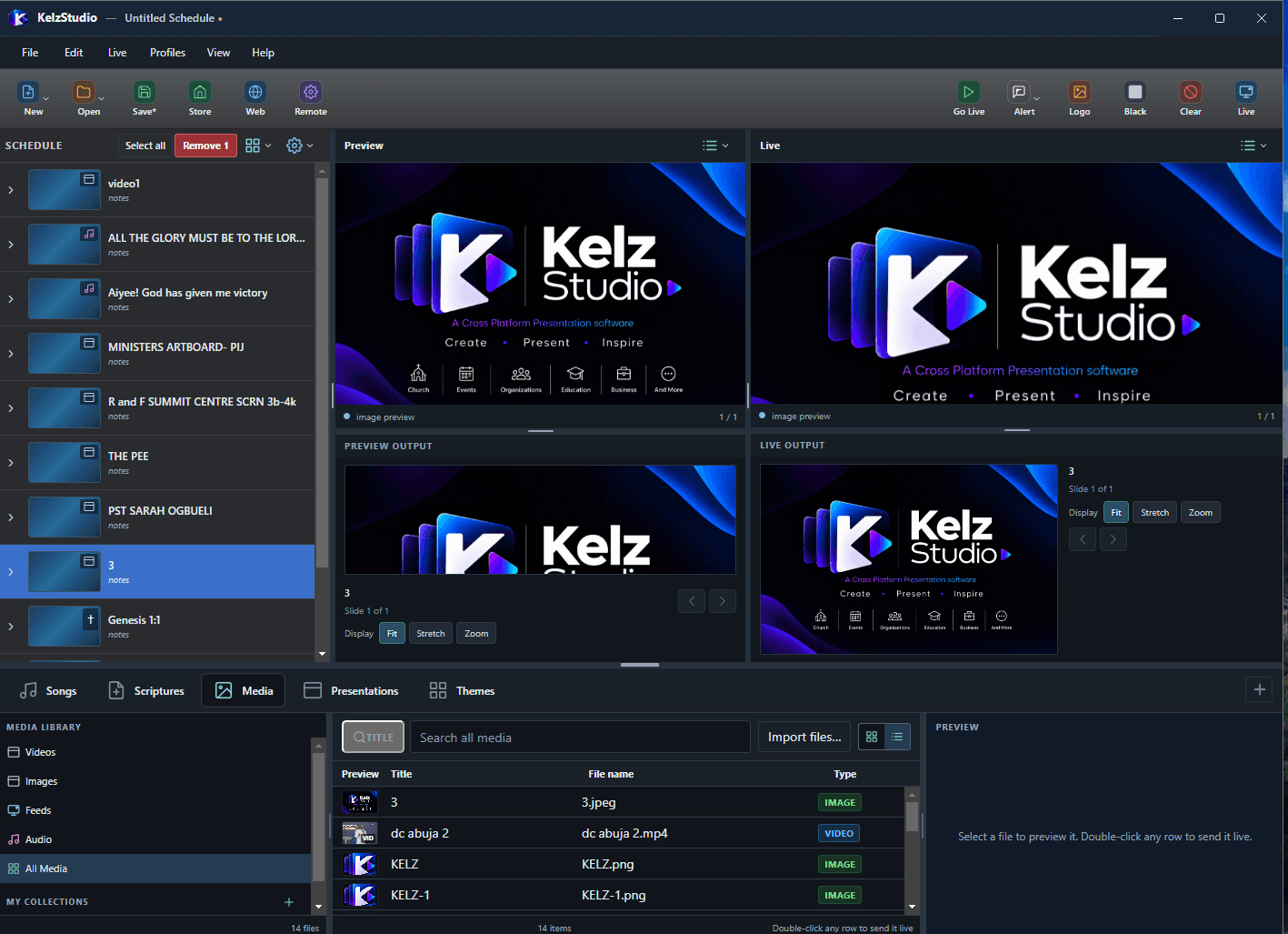
Built for Every Part of Your Presentation Workflow.
Songs
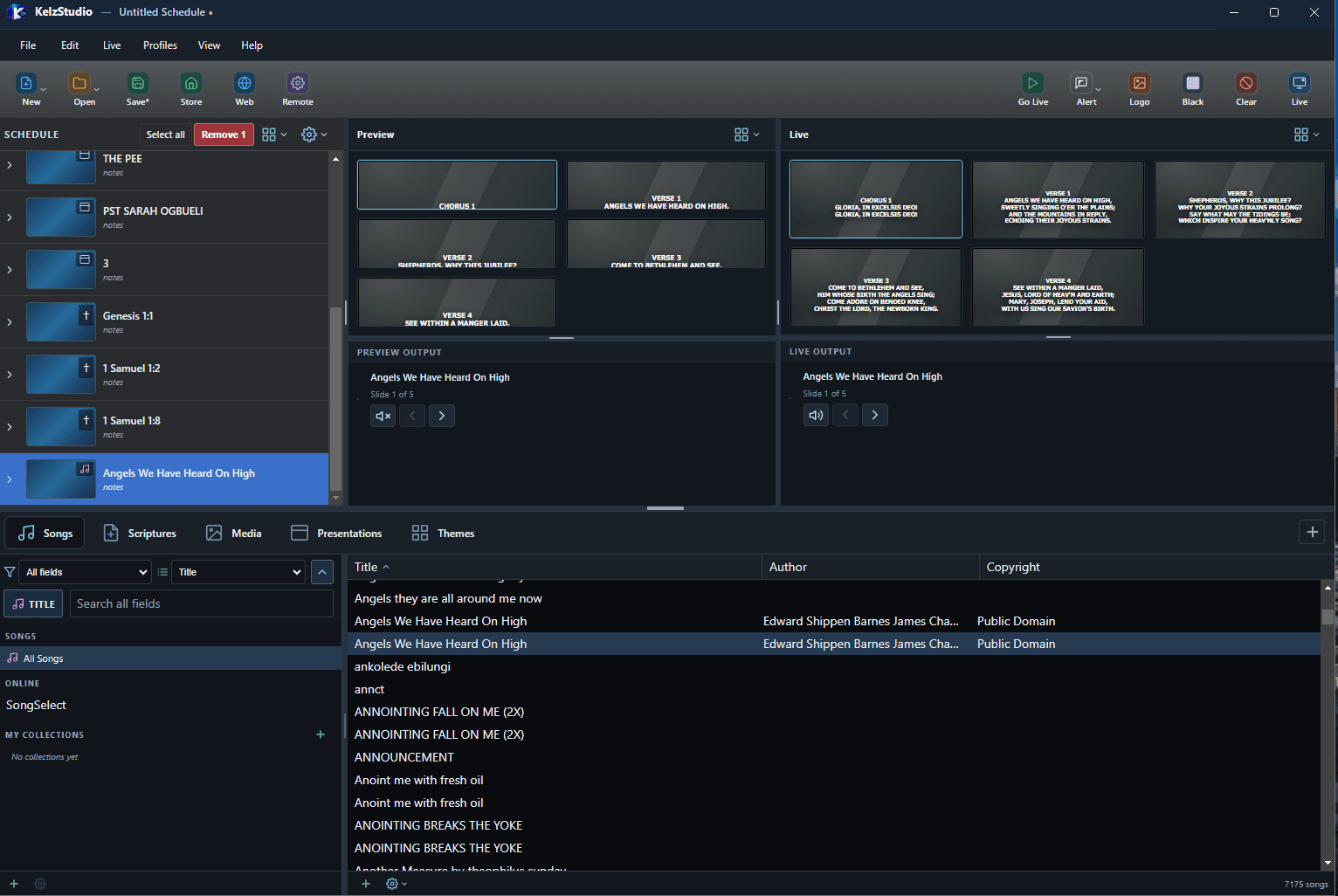
A searchable song library that turns songs into chorus and verse slides.
- Browse by Title, Author and Copyright, and search all fields
- Songs appear as labelled Chorus and Verse slides in Preview and Live
- Online song source and your own collections
- Song formatting and optional verse/chorus labels in Options
Scriptures
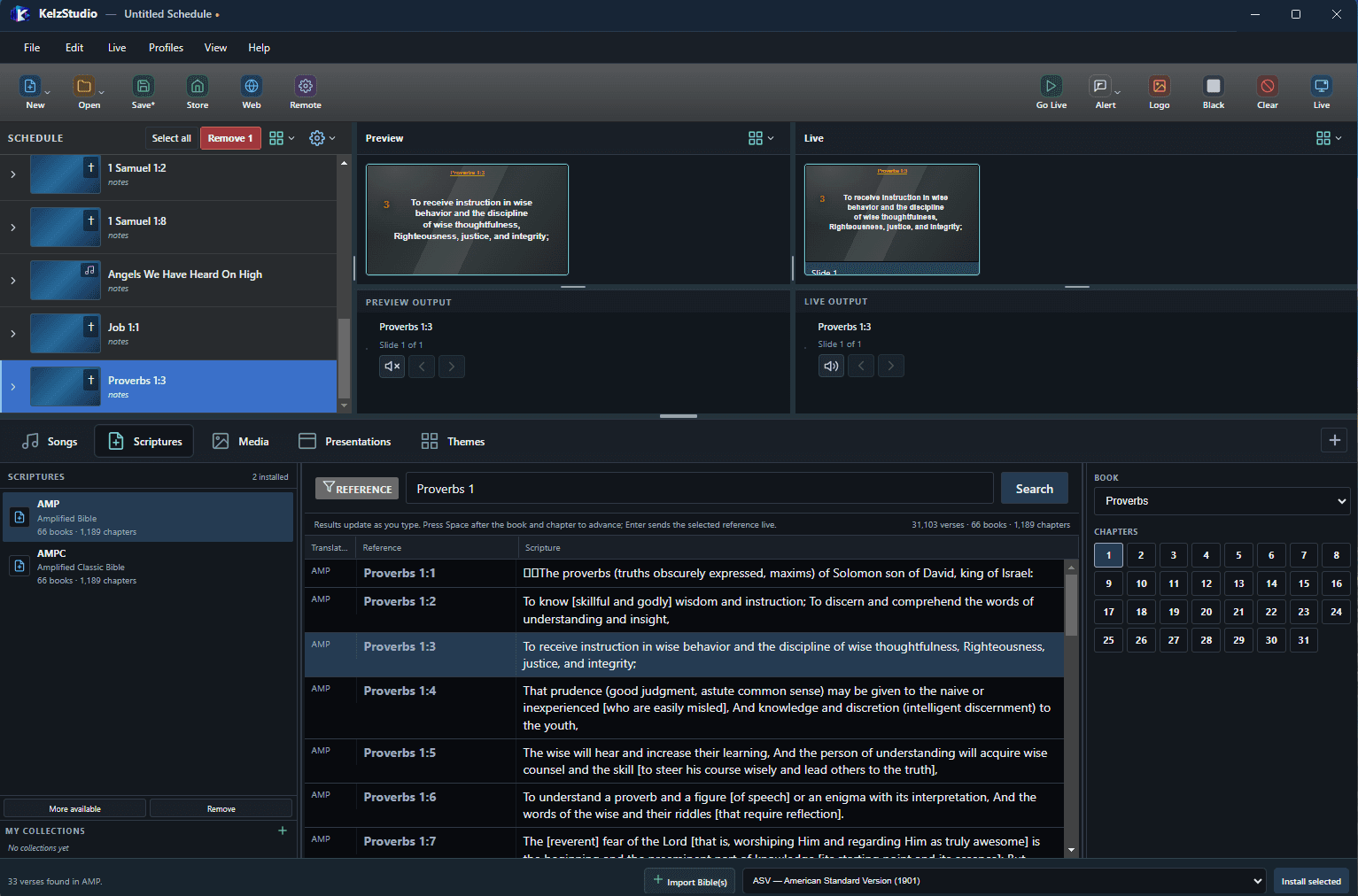
Find a passage by typing its reference and send it live.
- Reference search that updates as you type
- Book and chapter picker
- Install and import Bible translations, with your own collections
Media
One library for the video, images, feeds and audio you present.
- Videos, Images, Feeds, Audio and All Media views
- Grid or list view with Title, File name and Type
- Import files, preview, then Add to Schedule or Go Live
Presentations
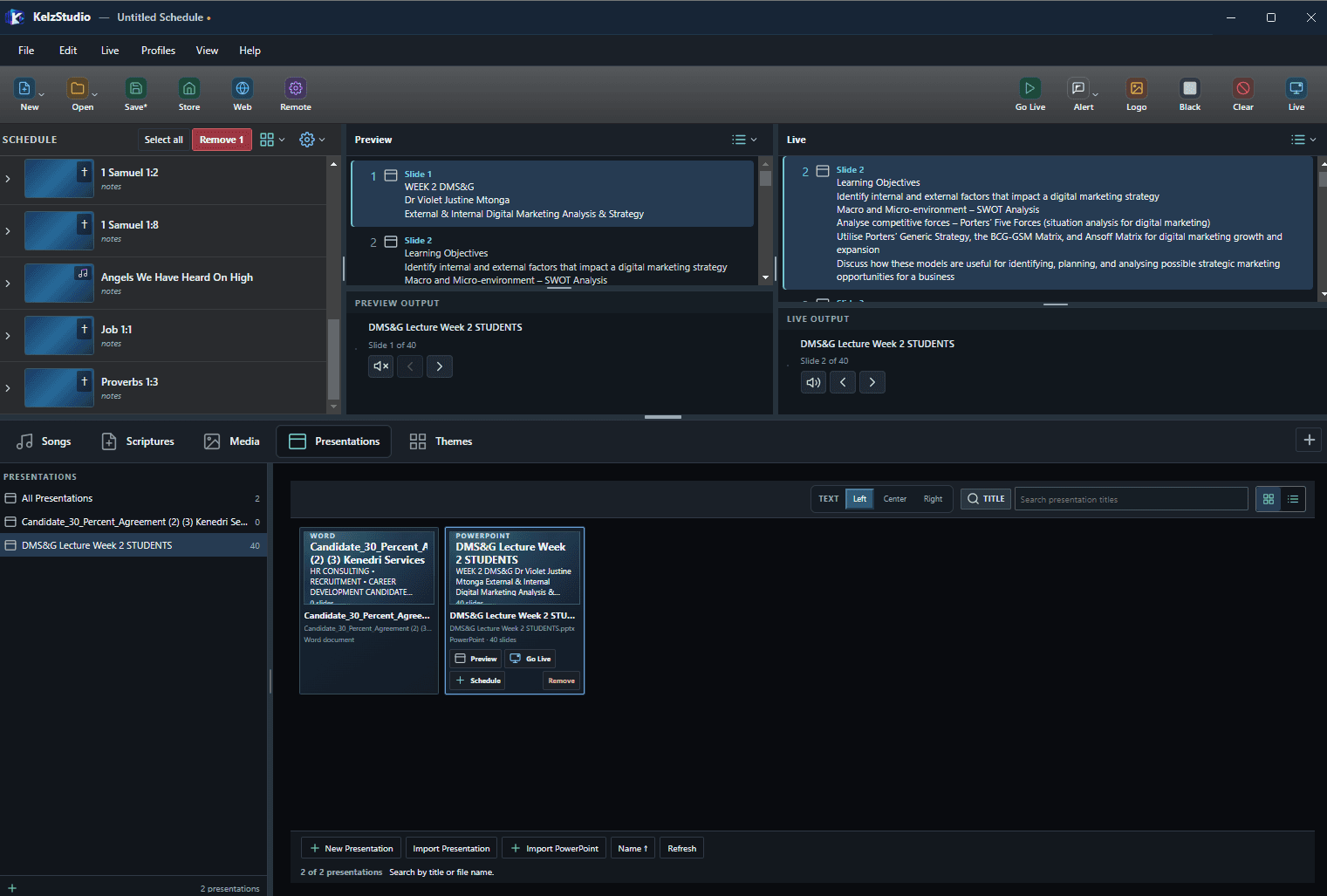
Bring Word and PowerPoint presentations into your schedule.
- Create a New Presentation, or use Import Presentation and Import PowerPoint
- The library shows each file’s type and slide count
- Preview, Go Live or add to Schedule from each presentation
- Left, Center or Right text alignment
Themes
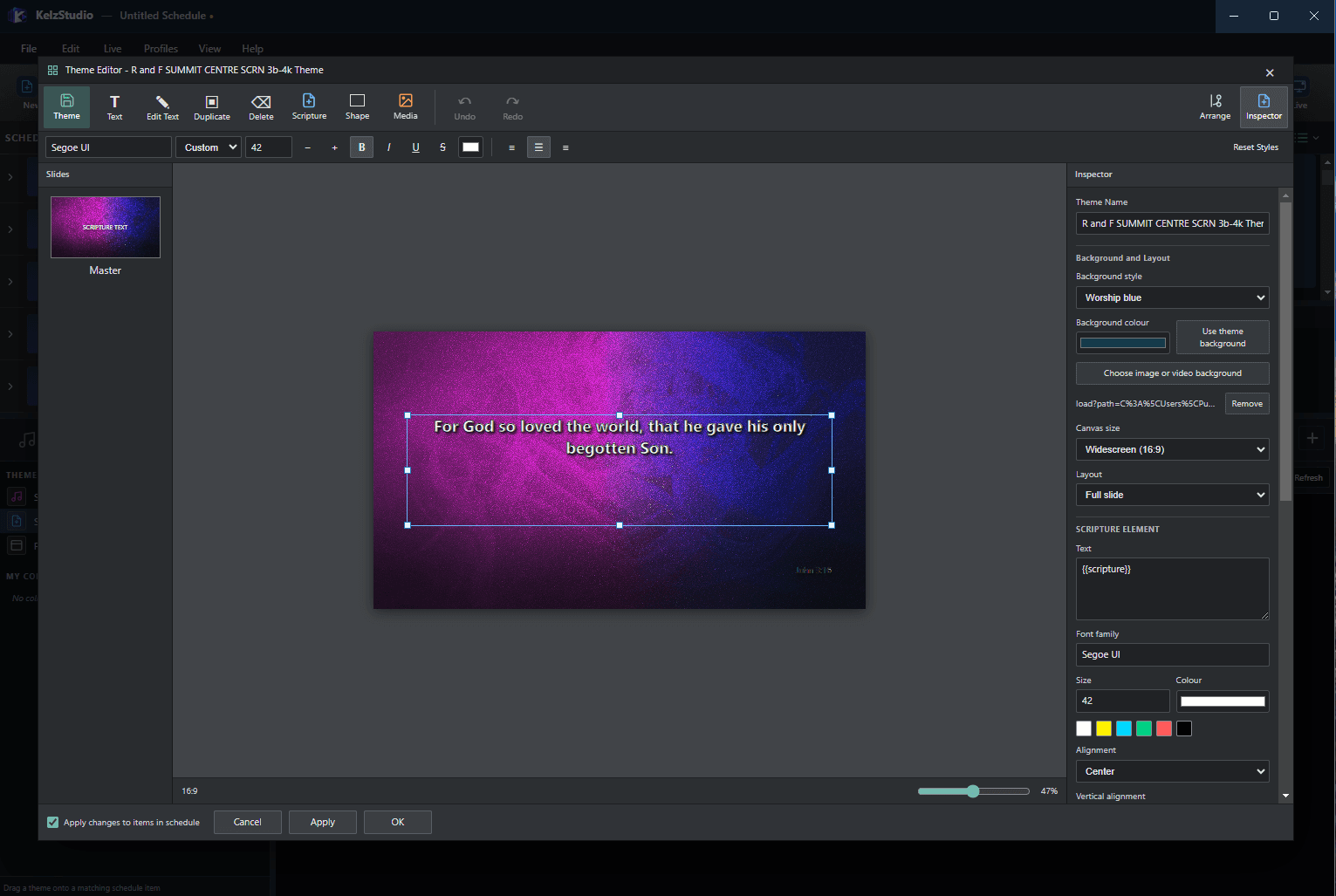
Design how your slides look in the Theme Editor.
- Add Text, Scripture, Shape and Media elements to a slide
- Inspector: background style, image or video background, canvas size and layout
- Font family, size, colour and alignment for each element
- Apply changes to items already in the schedule
Everything Comes Together on One Screen.
Schedule, Preview, Live and every library, side by side in one window.
More Control. More Display Possibilities.
Prepare once, then deliver to the displays your event needs.
Main Output
Alternate Output settings
Foldback / Stage Display
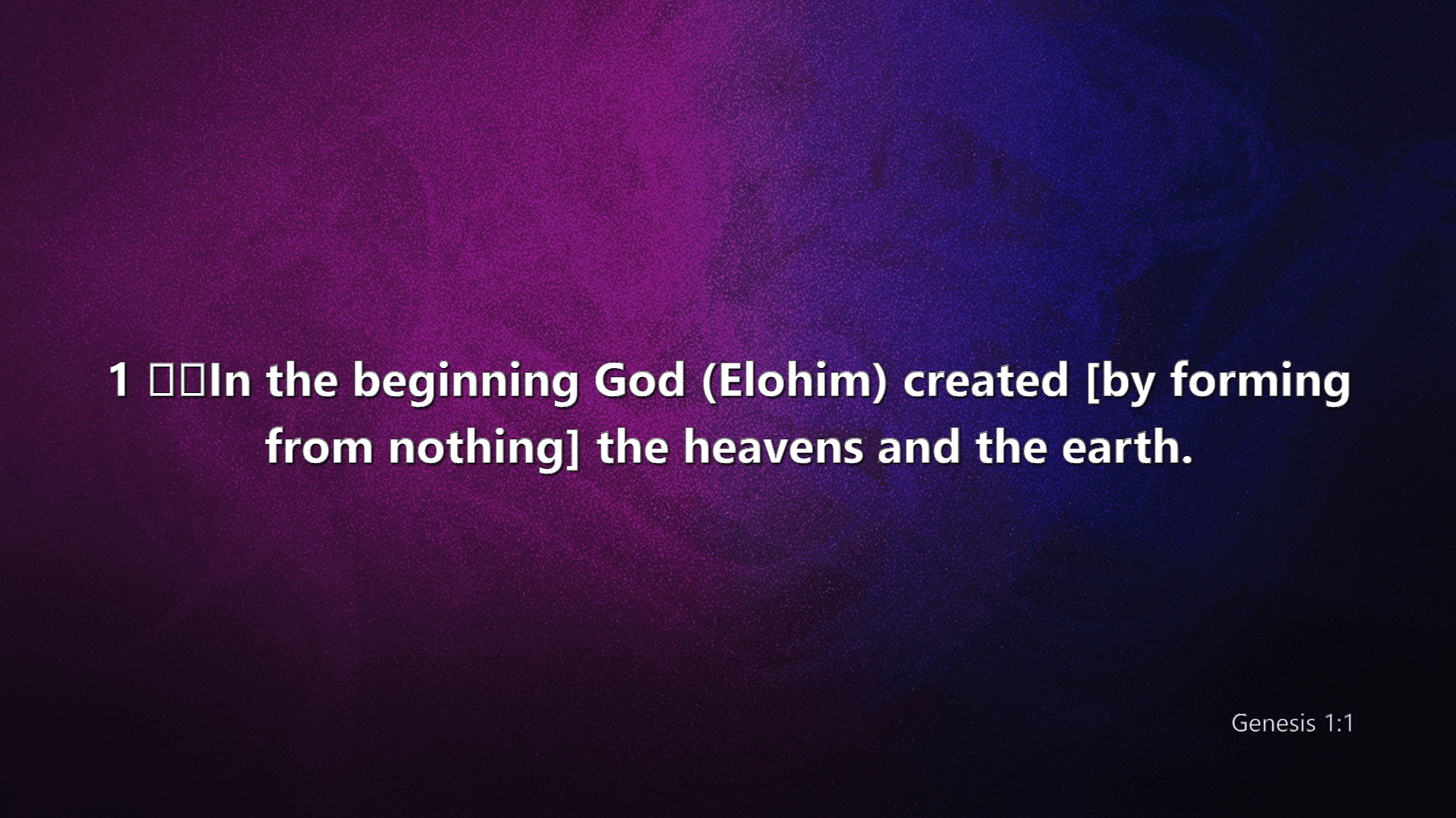
Main Output
Your primary audience display. Options cover screen, safe area and preview, plus General, Song, Scripture, Presentation, Transitions and Alerts settings.
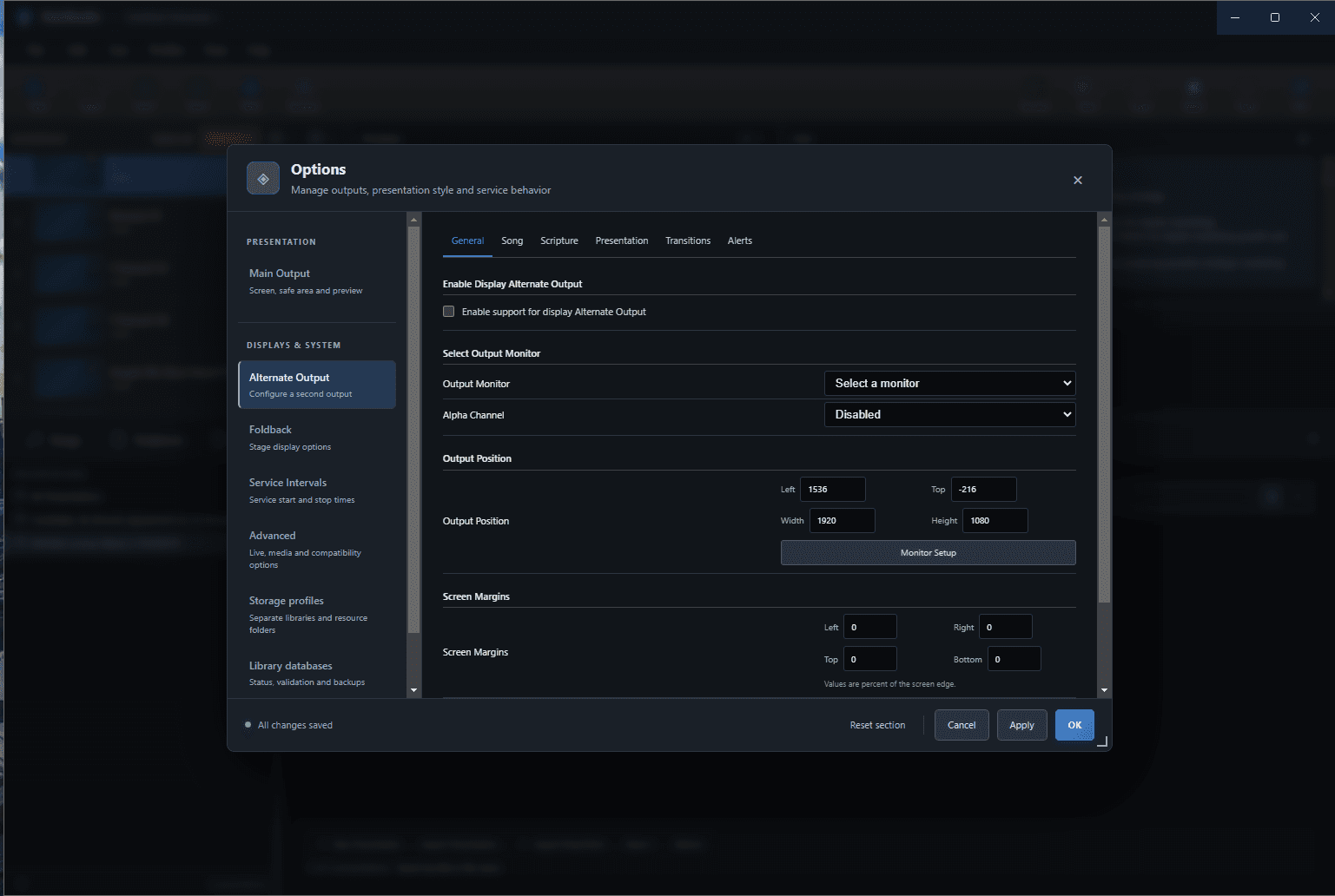
Alternate Output
Enable a second output, choose its monitor, and set alpha channel, output position and screen margins.
Foldback / Stage Display
Stage display options for the people presenting.
From Preparation to Presentation.
Organize your content
Keep songs, scriptures, media and presentations in their own libraries.
Build your schedule
Add items to the Schedule in the order you will present them, with notes.
Customize your presentation
Design themes in the Theme Editor and set text style in Options.
Preview your content
Check what you have selected in Preview before it reaches the audience.
Present with confidence
Send content to the Live output and use Logo, Black and Clear when you need them.
Designed for the Way You Present.
Churches and ministries
Run songs, scriptures and media from a single service schedule.
Conferences and events
Prepare content ahead and send it live in order.
Educational institutions
Present lessons, announcements and media.
Businesses and organizations
Deliver meetings and presentations with a clear live output.
Release information is temporarily unavailable.
Please try again shortly. Nothing has been changed on your side.
Your Next Presentation Starts Here.
Get started with KelzStudio and bring your presentation workflow together in one powerful desktop application.
KelzStudio for Windows
Version 1.0.0 · November 17, 2026
- File
- KelzStudio-Windows-17
- Size
- 181 MB
- Checksum
- KelzStudio-Windows-Intel
KelzStudio for macOSApple Silicon
Version 1.0.0 · November 17, 2026
- File
- 14370297369
- Size
- 790 MB
KelzStudio for macOSIntel
Version 1.0.0 · November 17, 2026
- File
- 14369163751
- Size
- 789 MB